

For complete command syntax, use Commands.
Example company rules
Add rules in four ways
1. Add rules directly in a pull request
Use/propel add to knowledge base in a pull request comment:

2. Add rules in the knowledge base UI
Open the knowledge base page in the app and create or edit rules there: Knowledge base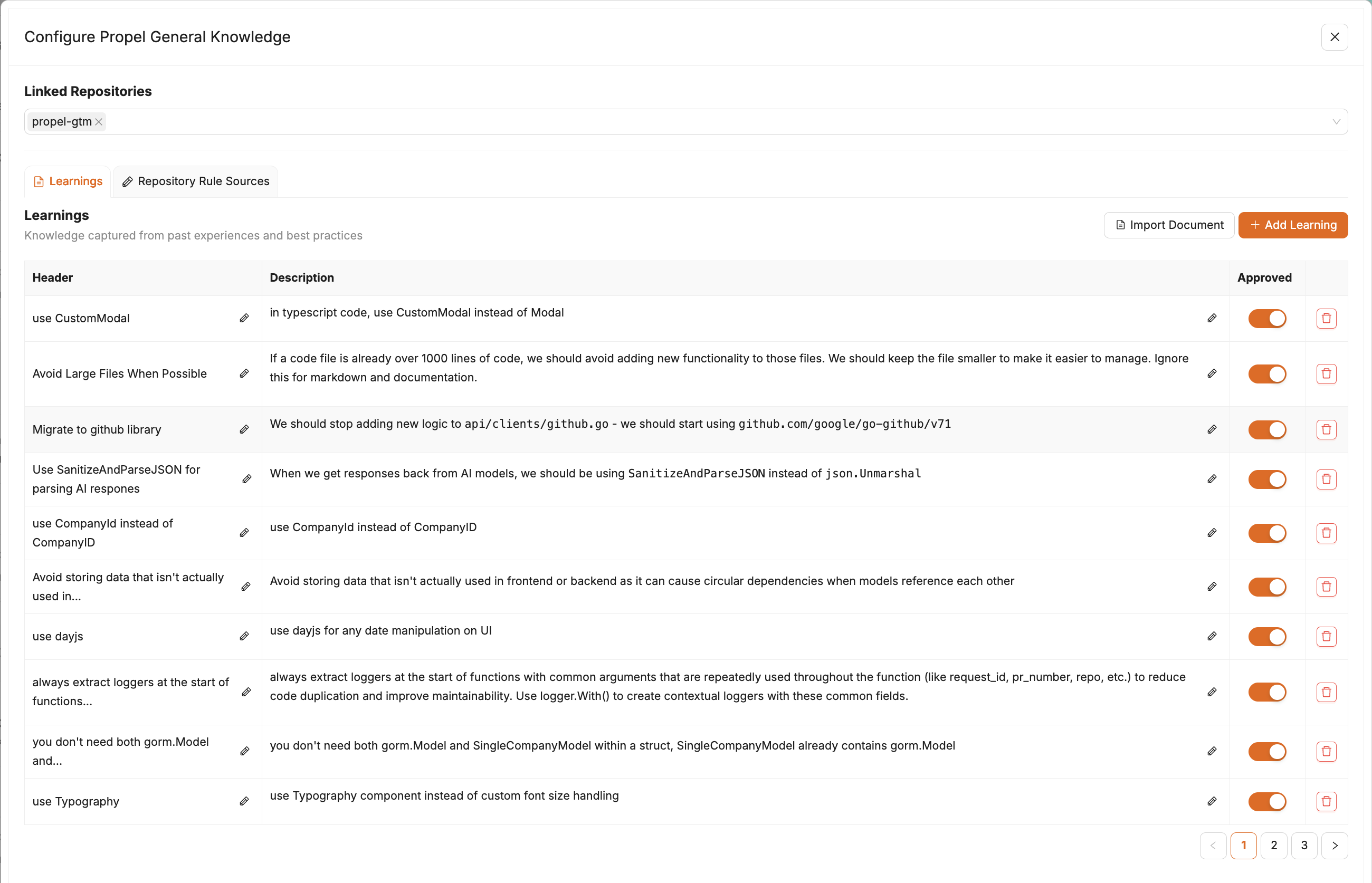
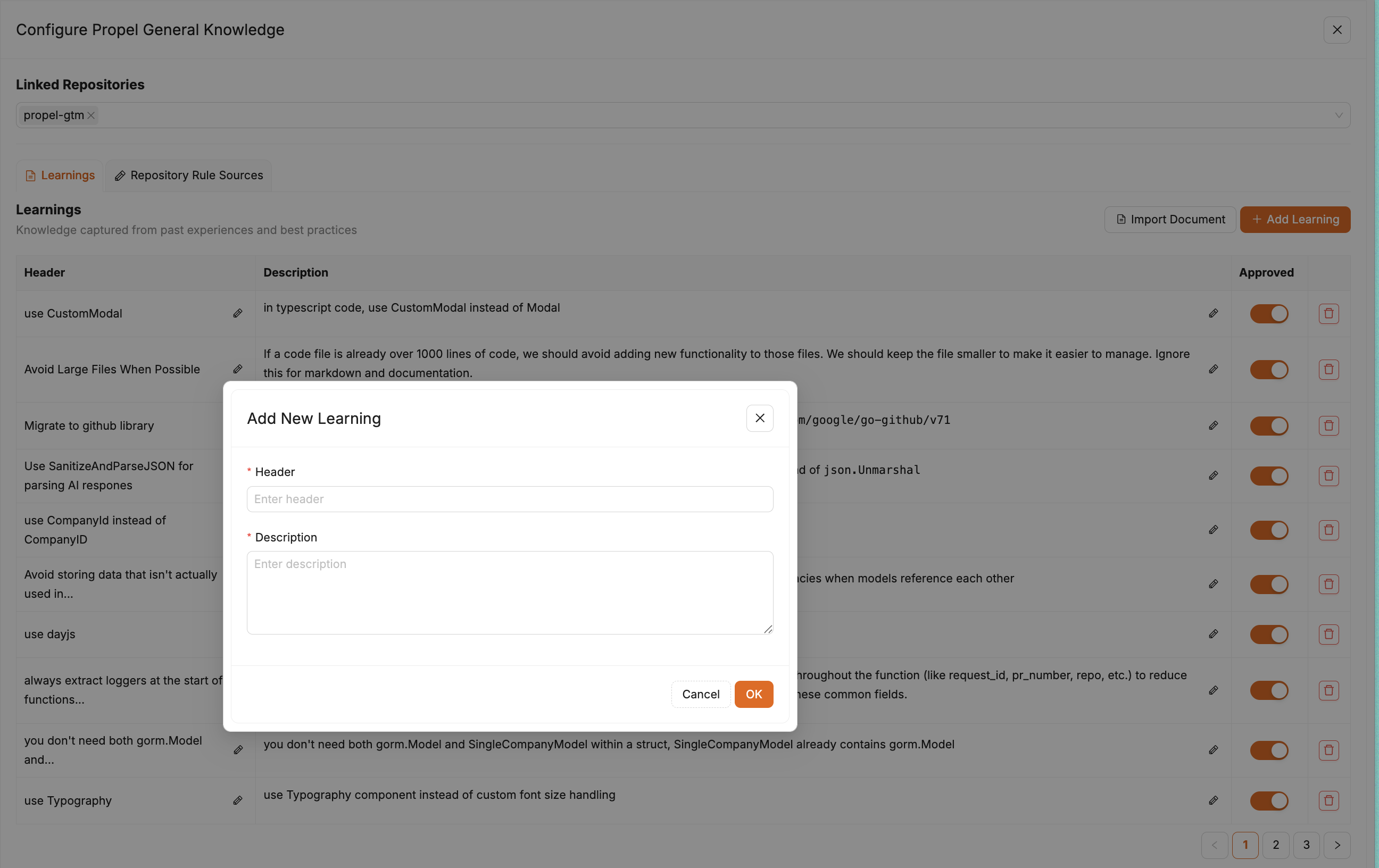
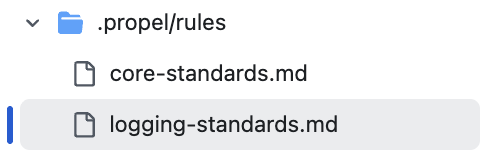
3. Add rules in .propel/rules
Store repo-specific guidance in .propel/rules. Propel reads these files during review for that repository.
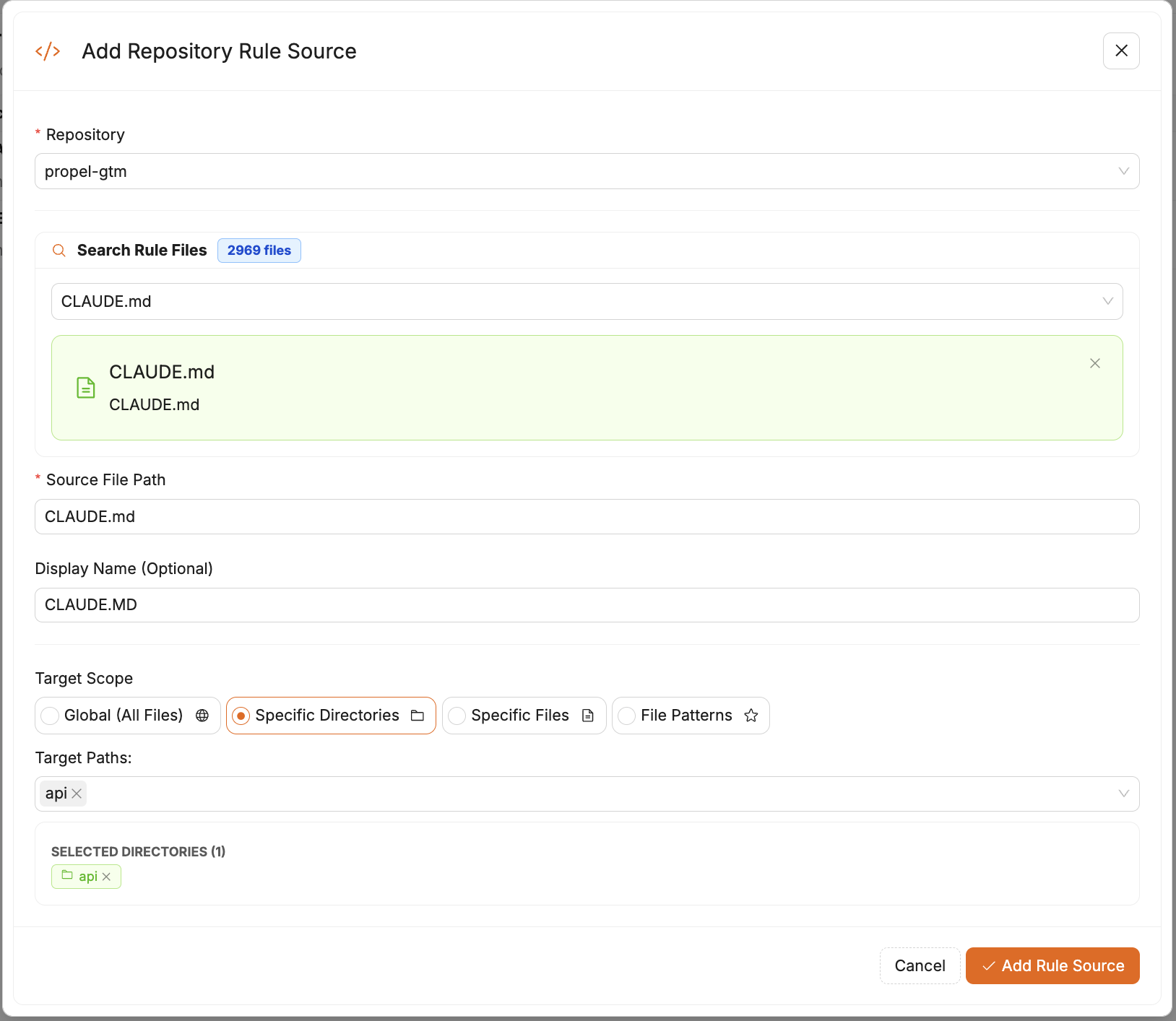
4. Add markdown files as rule sources
You can attach additional markdown files in the knowledge base UI to apply rules across multiple repositories.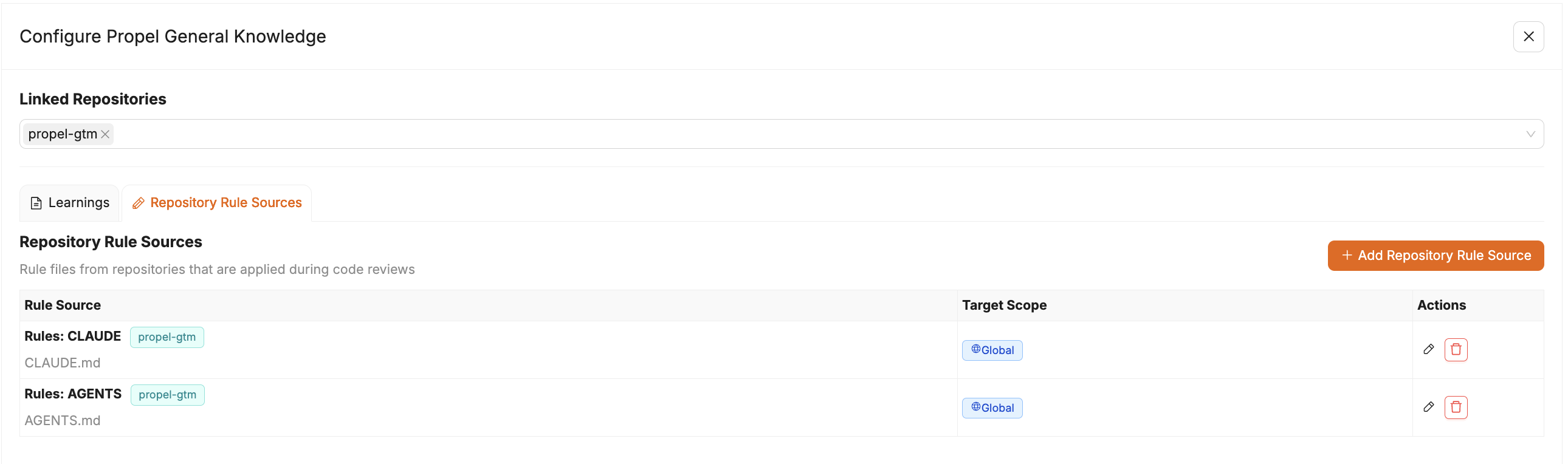
Next steps
- Add one rule from a recent pull request.
- Re-run
/propel reviewon an active pull request. - Confirm the rule is applied in Propel comments.
Automatic rule file detection
Propel automatically detects common rule files and directories during review to gather additional instructions and context. This includes files such asAGENTS.md.
You can use directory exclusions when you want Propel to ignore folders such as archive/, drafts/, or internal docs that should not shape review guidance.